

TV
Android TV
KillVPN for Android TV and Google TV, made for the remote control.
Google Play
Recommended for your deviceInstall and update KillVPN from Google Play.
On the TV, open Google Play and search for KillVPN. You can also open the Google Play page on your phone or computer and choose your TV as the install device.
Requirements
Android TV / Google TV with Google Play.
Screenshots
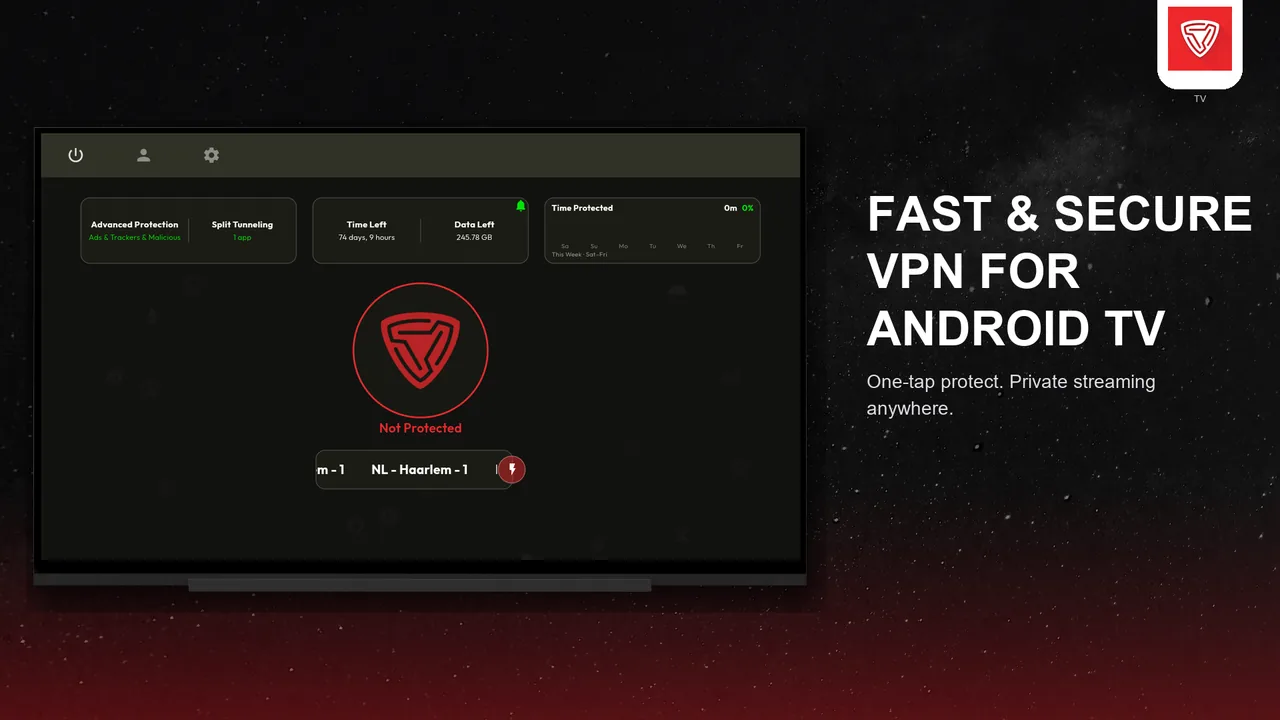
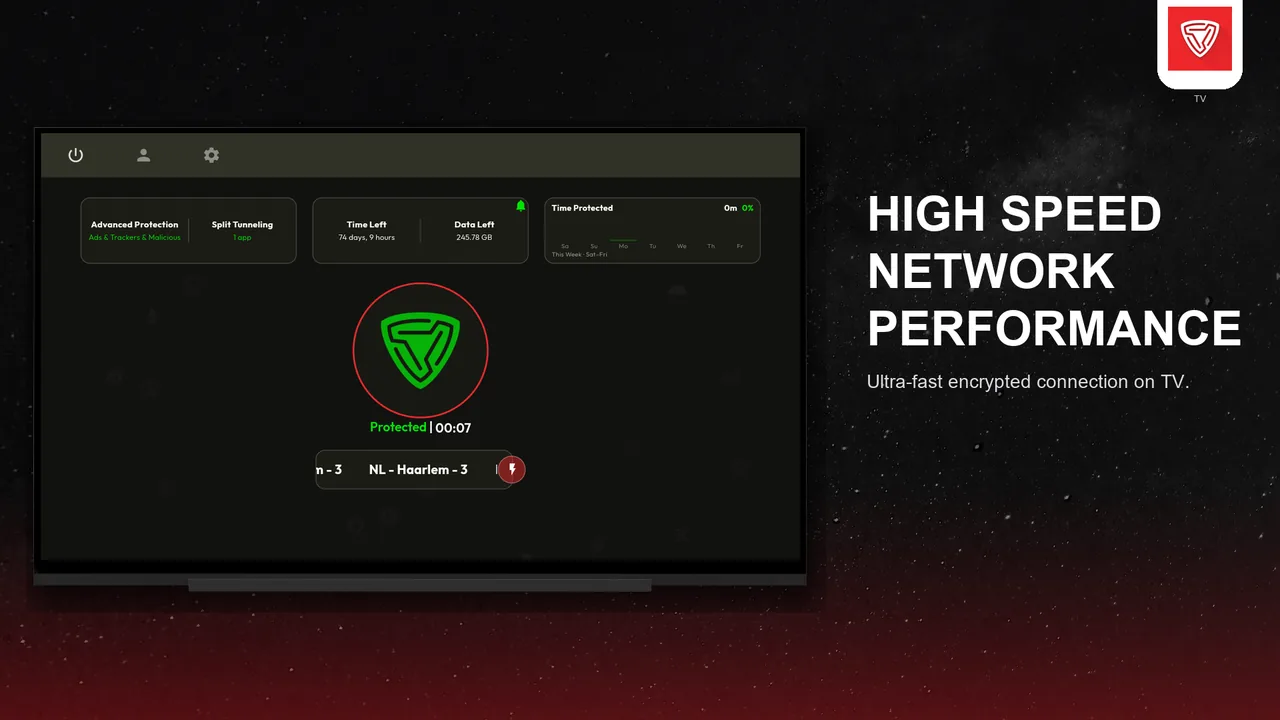
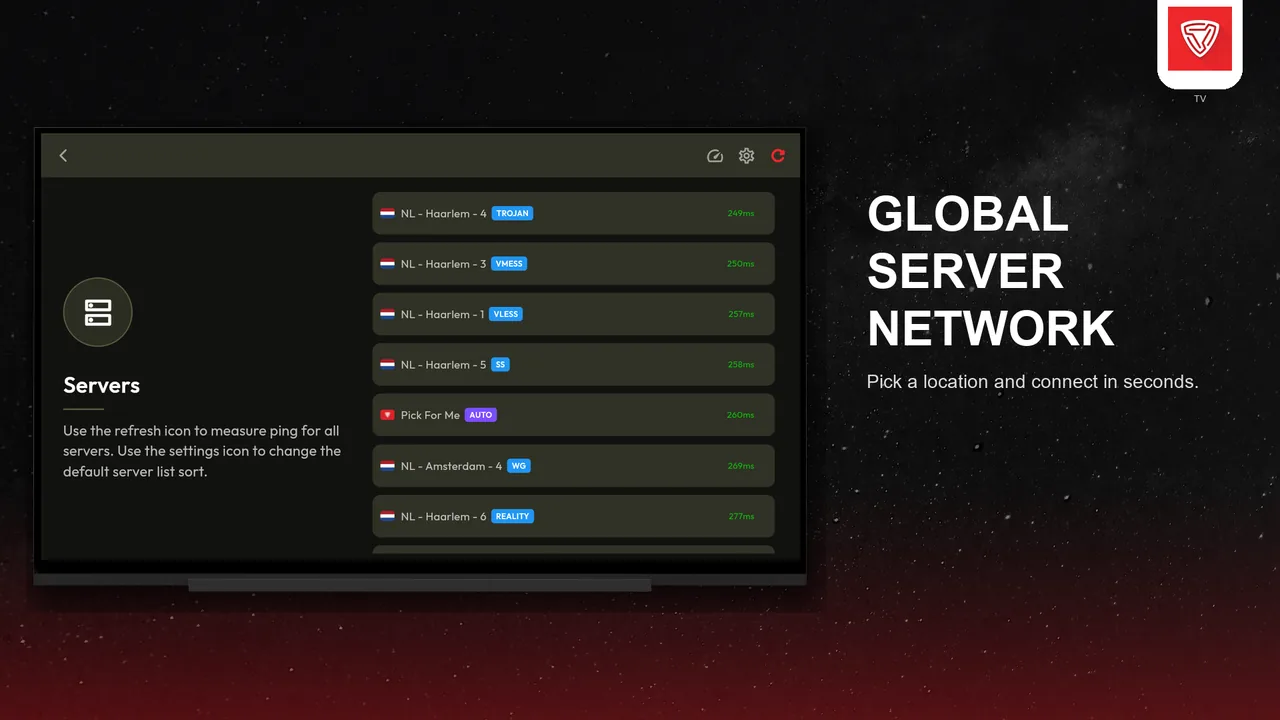
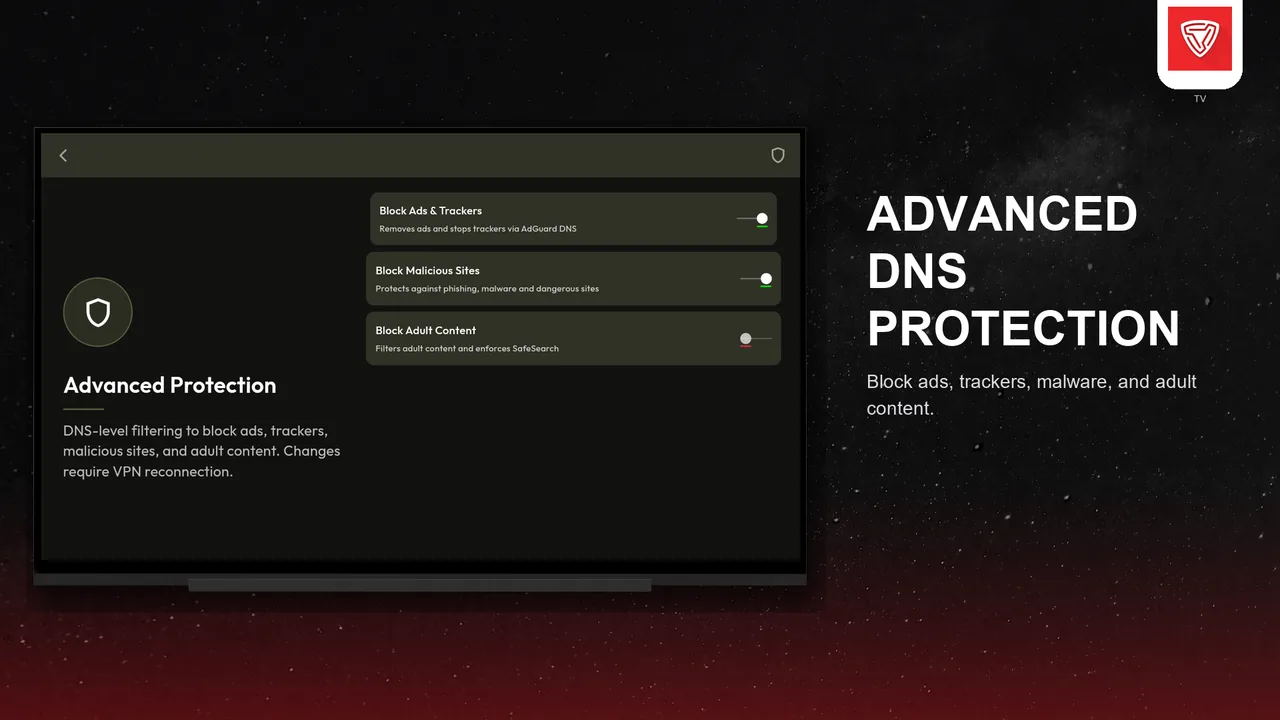
What you get
Made for the remote
Large, focus-friendly screens that are easy to use with a TV remote.
Same account
Sign in with your KillVPN account, just like on your phone.
Streaming-ready
Connect once and keep watching while the VPN runs in the background.
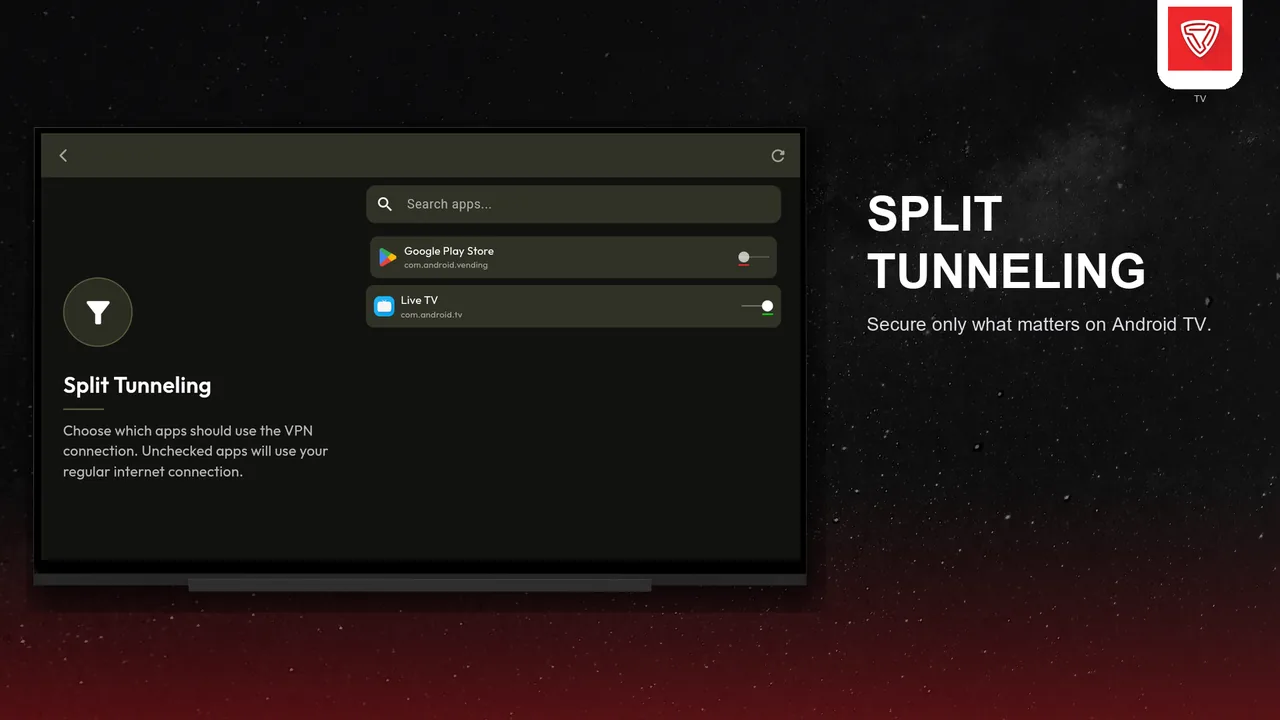
Split tunneling per app
Keep local apps on your normal connection while others use the VPN.
How to install
-
1
On the TV open Google Play, search for KillVPN and install it.
-
2
Open the app and sign in with your KillVPN account using the remote.
-
3
Pick a server and press Connect.
Questions about Android TV
Which TVs are supported?
Android TV and Google TV devices with Google Play, such as many smart TVs and TV boxes.
Do I need a separate account for the TV?
No. Use your KillVPN account. The TV counts as one of the devices allowed by your plan.

