

Phones & tablets
Android
KillVPN for Android phones and tablets.
Google Play
Recommended for your deviceInstall and update KillVPN from Google Play.
Requirements
Android 6.0 or later.
Screenshots
What you get
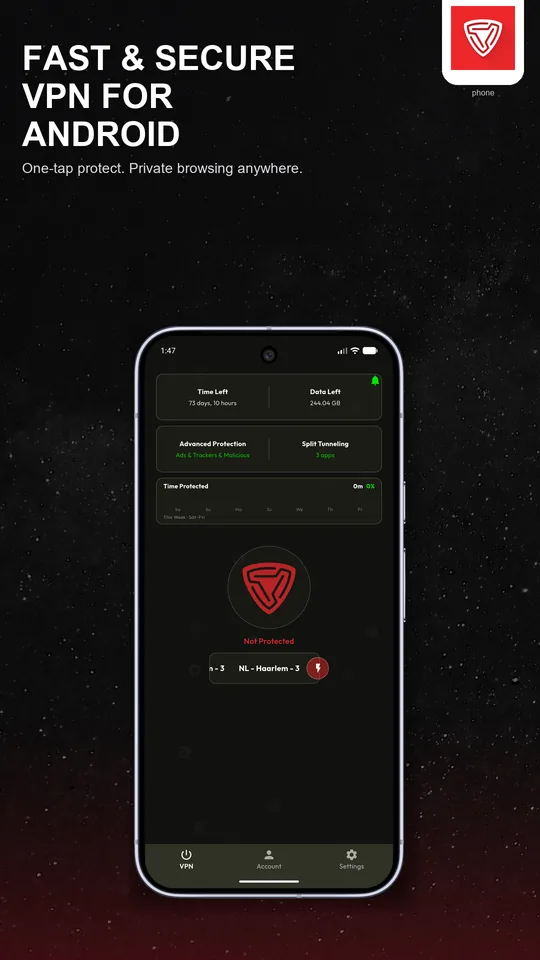
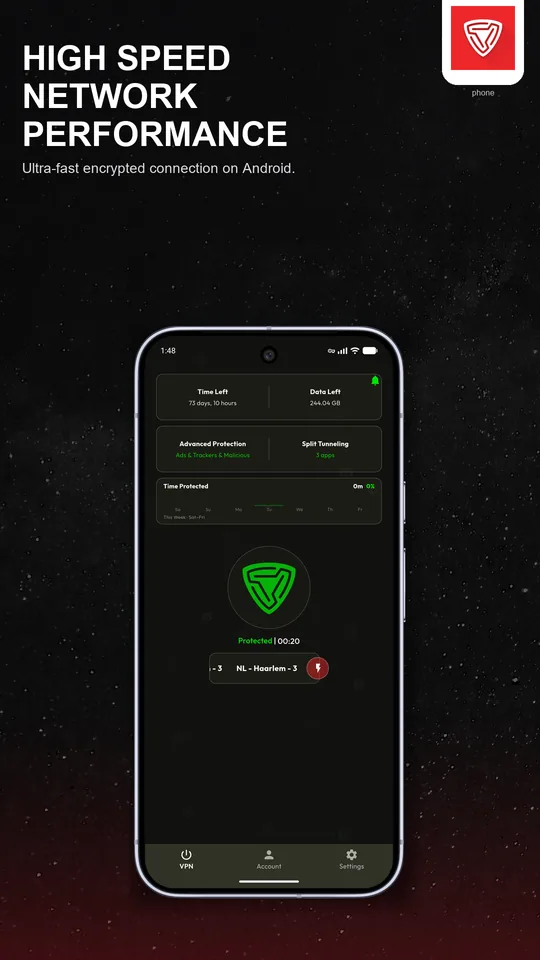
One-tap connect
Connect from the app, the Quick Settings tile or the home-screen widget.
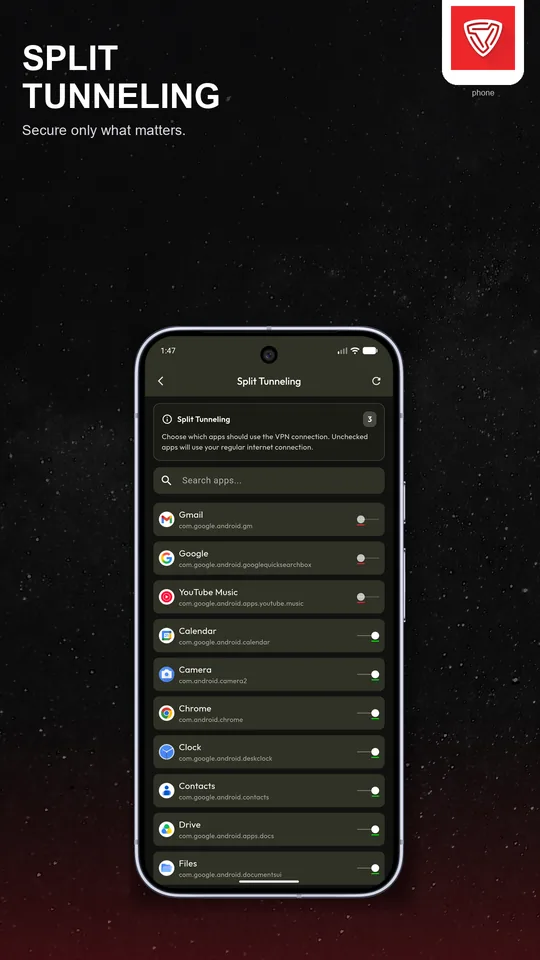
Split tunneling per app
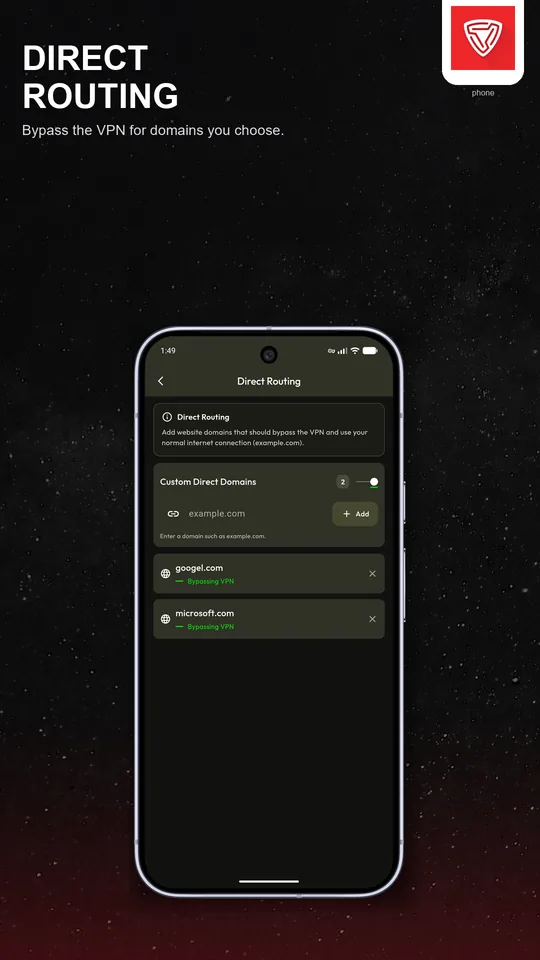
Choose which apps use the VPN and which use your normal connection.
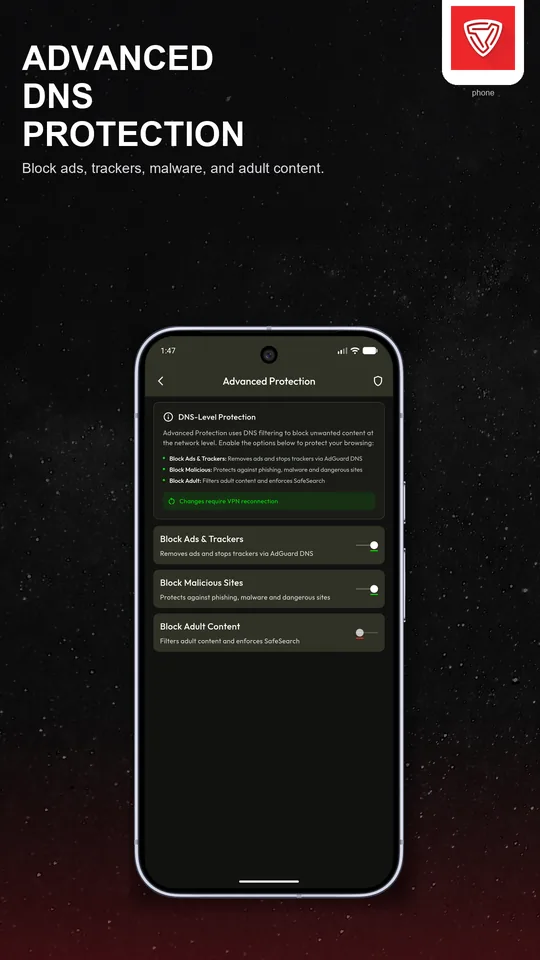
Advanced Protection
DNS filters that can block trackers, malicious domains and ads.
Always-on VPN
Works with Android's Always-on VPN so the connection comes back by itself.
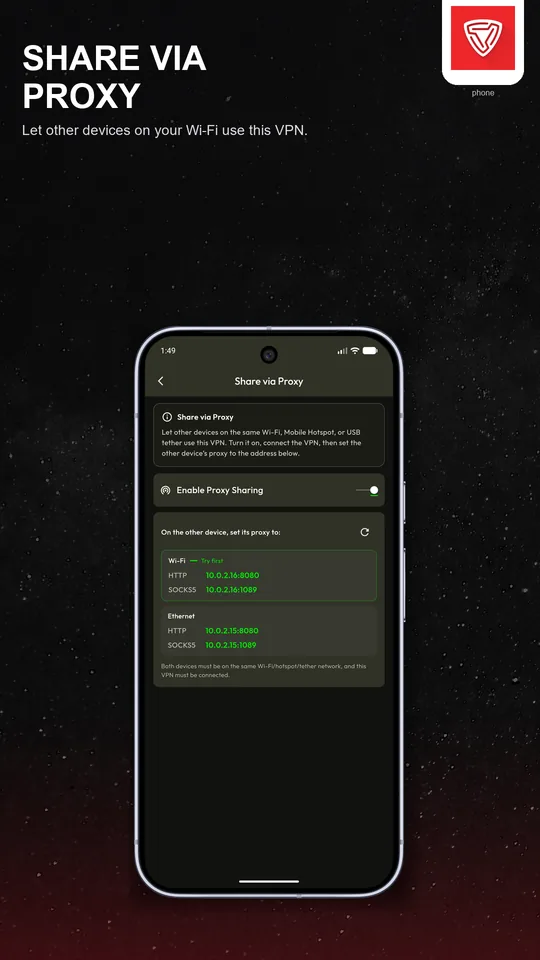
Share via Proxy
Share your VPN connection with other devices on the same Wi-Fi or hotspot.
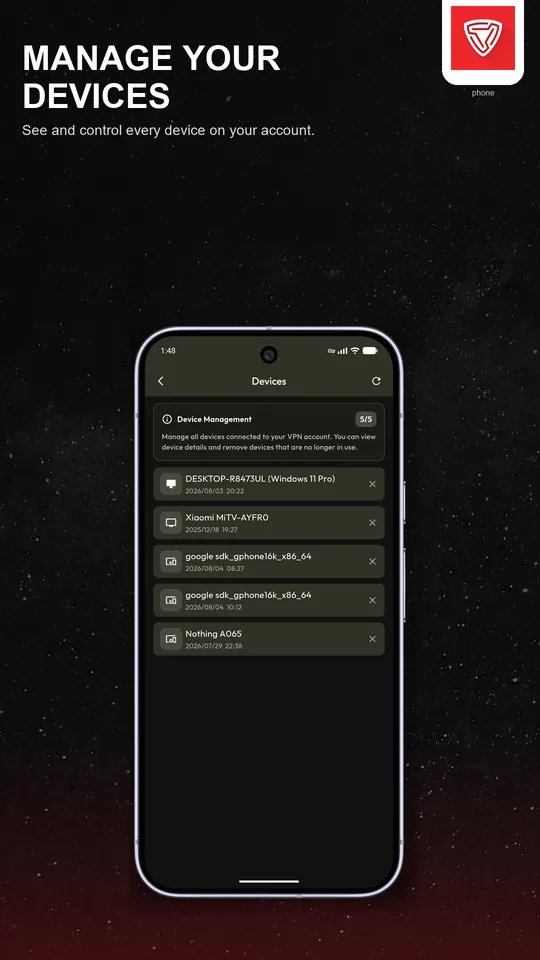
Device control
See the devices on your account and remove the ones you do not use.
How to install
-
1
Open KillVPN on Google Play and tap Install.
-
2
Open the app and sign in with your KillVPN account.
-
3
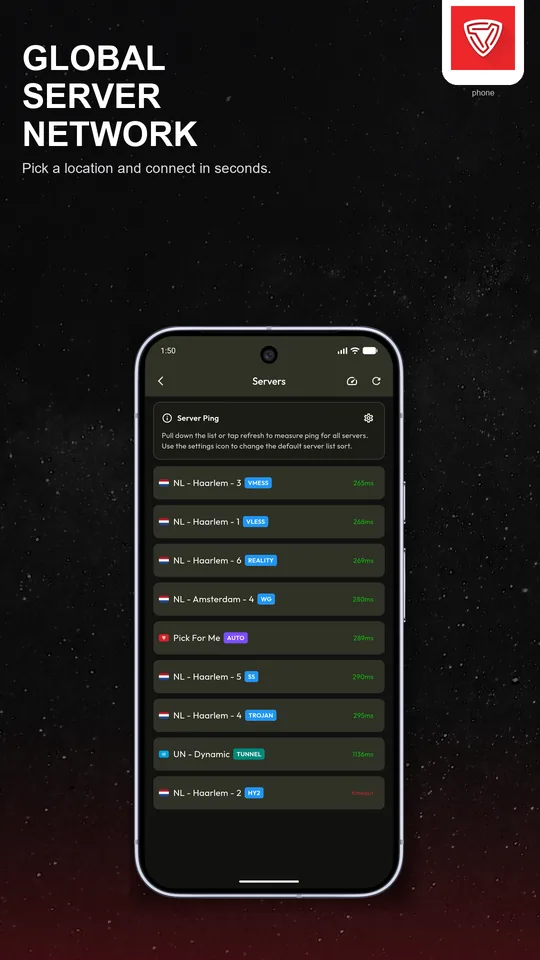
Pick a server, tap Connect and allow the VPN request.
Questions about Android
Which Android versions are supported?
Android 6.0 and newer, on phones and tablets.
Why does Android ask about a VPN connection?
Android asks every VPN app for permission the first time it connects. Tap OK to allow KillVPN to set up the VPN.
Can I turn KillVPN on without opening the app?
Yes. Add the KillVPN tile to Quick Settings or the widget to your home screen.

